For students
A training partner in your pocket, between every class.

Master Scarsella’s World Class Tae Kwon Do
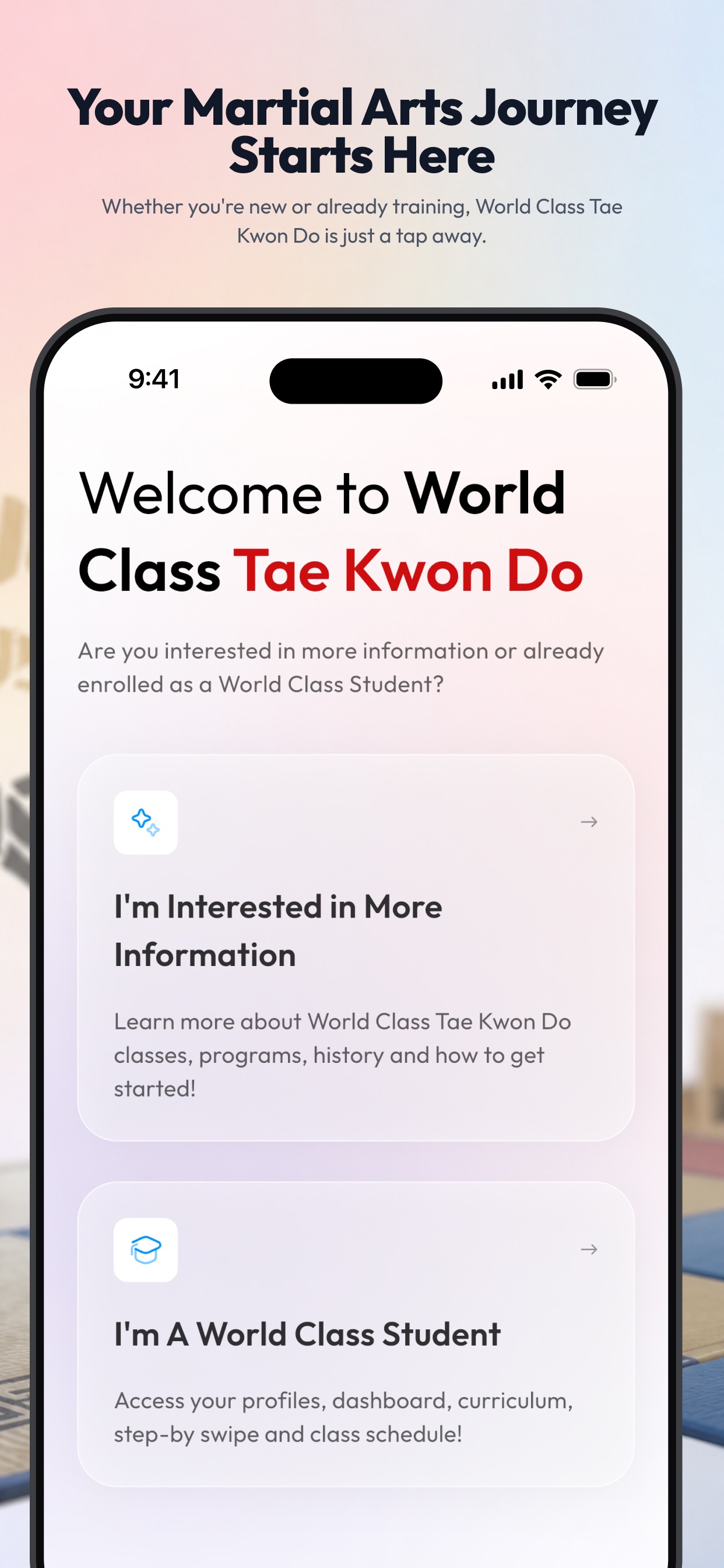
The official app for students and families at our Inverness and Hoover schools. Track your belt, practice with Step-by-Swipe™ videos, and keep the whole family on the same page — right on your phone.


Built for your dojang
Built for everyone who walks into the dojang.
A training partner in your pocket, between every class.
Their progress and school news, without the runaround.
Every student in the house, under one login.
Inside the app
Belt progress, curriculum videos, school news, and the World Class Store — all in one companion built around our own curriculum.
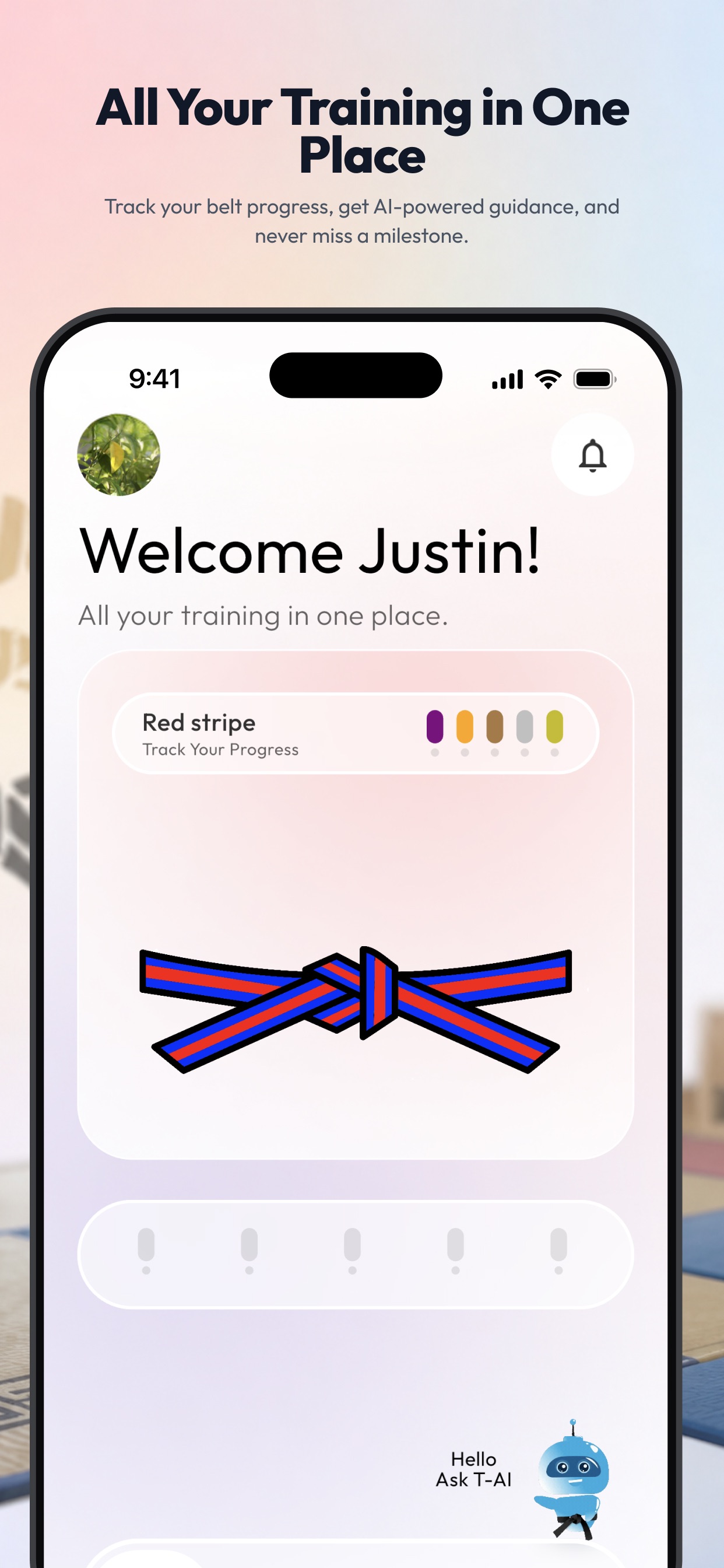
A clear visual tracker for your current belt and each milestone — forms, self-defense, board breaking, and testing readiness.
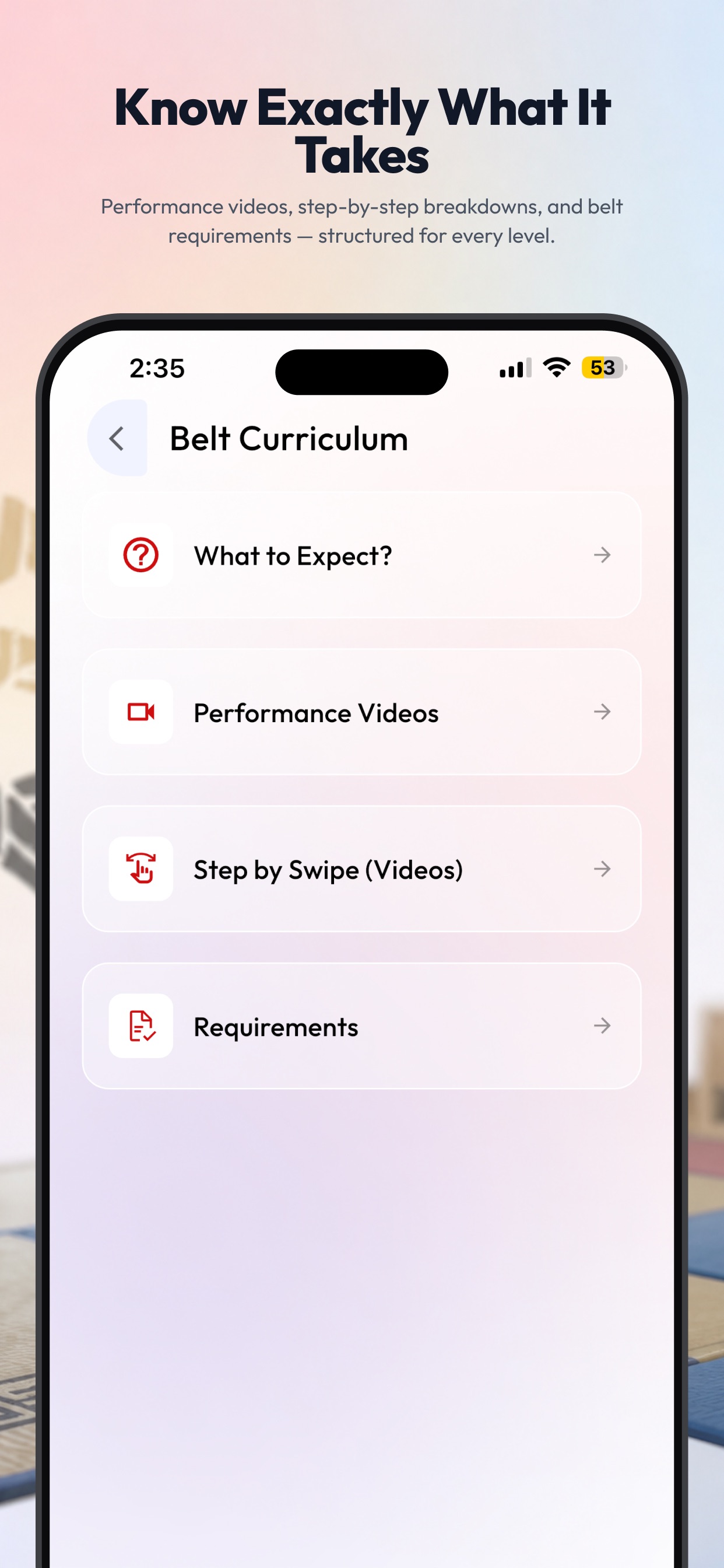
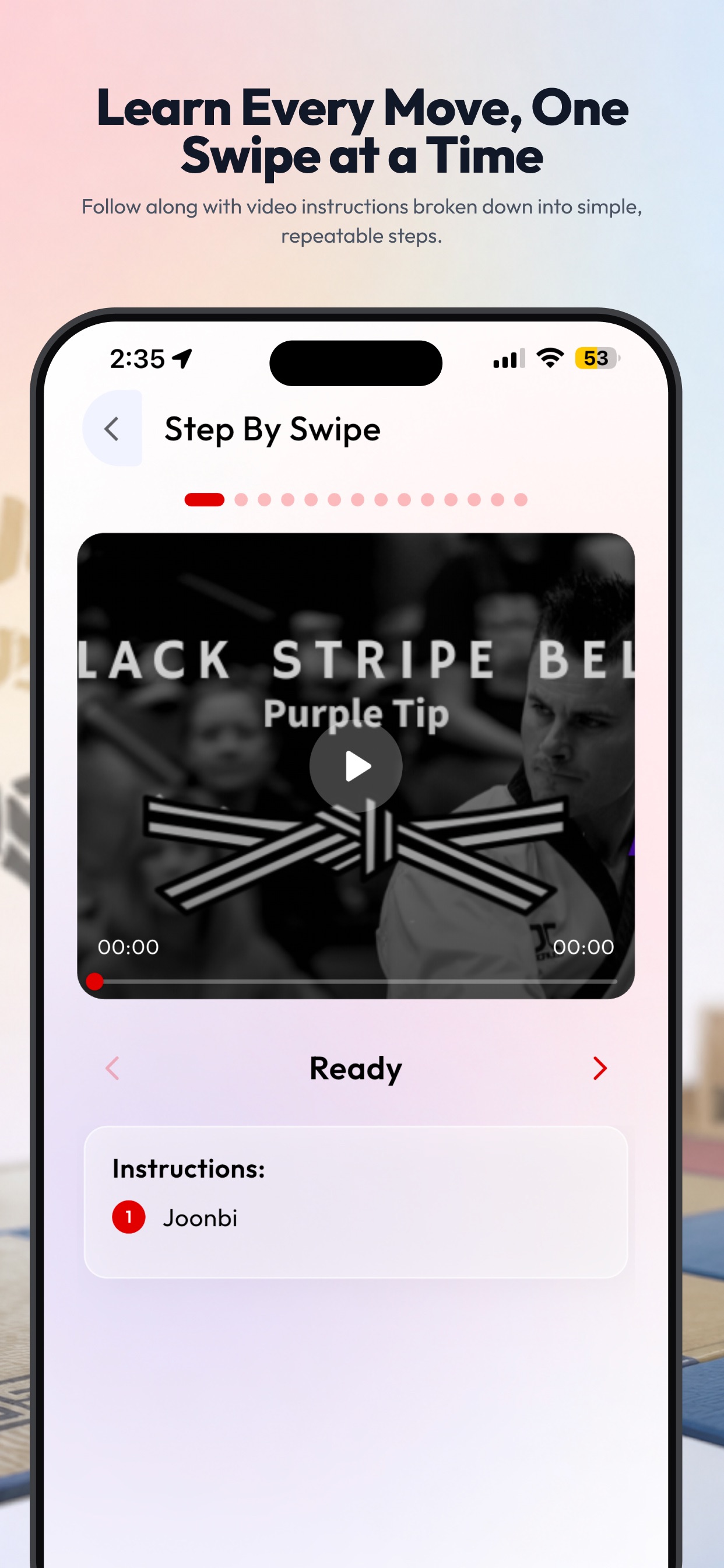
Review your belt’s “What to Expect” overview, watch performance videos, and practice with Step-by-Swipe™ technique videos matched to your rank.
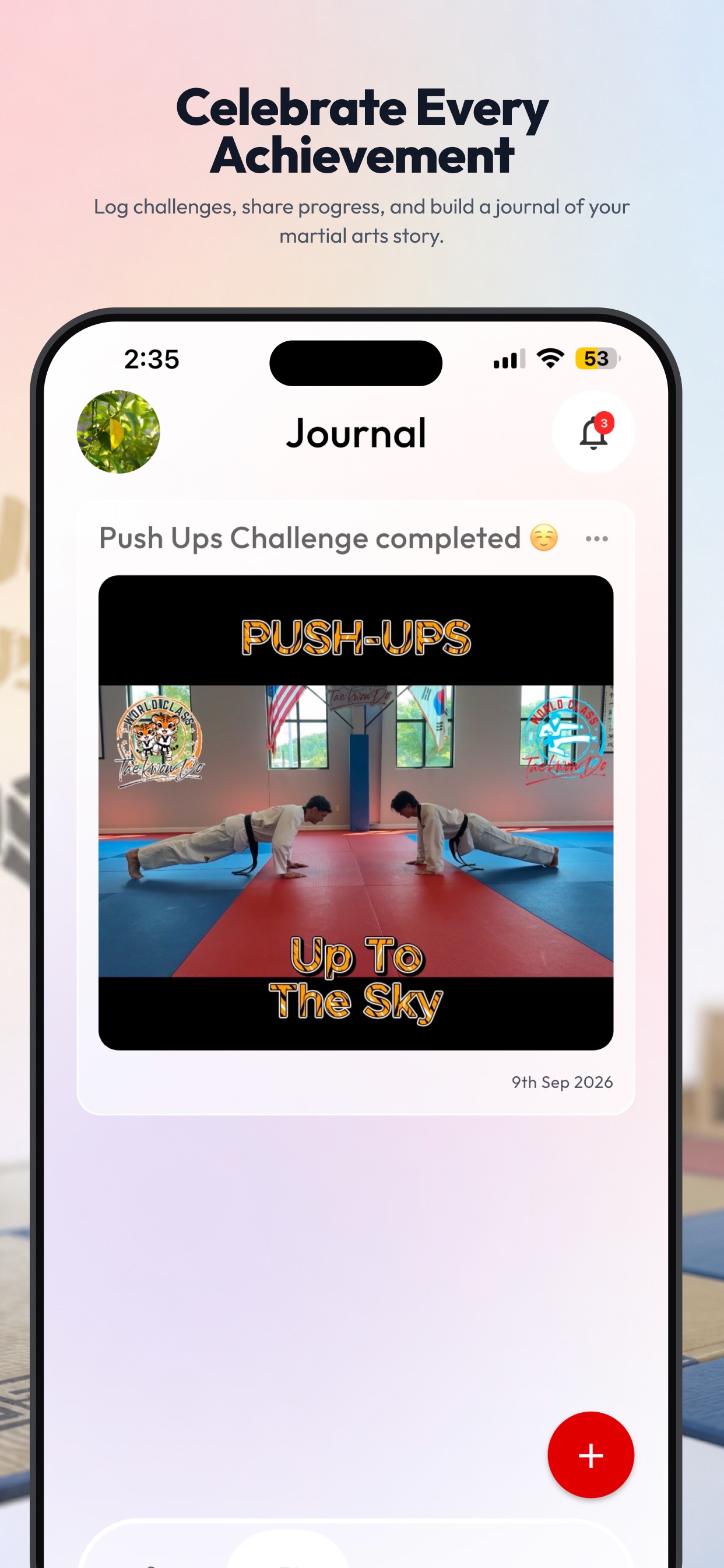
Log your achievements with text, photos, and video. Your journal is private by default — share an entry with the school when you want to celebrate a milestone.
Class times for both Inverness and Hoover, plus special events, belt requirements, and a general video library — always in reach.
Get quick answers about class times, belt requirements, or Tae Kwon Do terminology from the built-in AI assistant.
Create a profile for every student under a single account and switch between them instantly.
Stay updated on your own activity and on announcements from the school.
Digital Dojang includes a link to the World Class Store for gear and uniforms.
A look inside
Swipe through official App Store screenshots of the current MS World Class TKD app.
Get the app
On a phone, the button below opens the right store. On a computer, scan a QR code or tap a store badge.
Scan to open the App Store listing.
Scan to open the Google Play listing.